Twenty thousand episodes, a real-time shoutbox, daily XP, monthly challenges, and the same community since 2008 — all in your pocket.
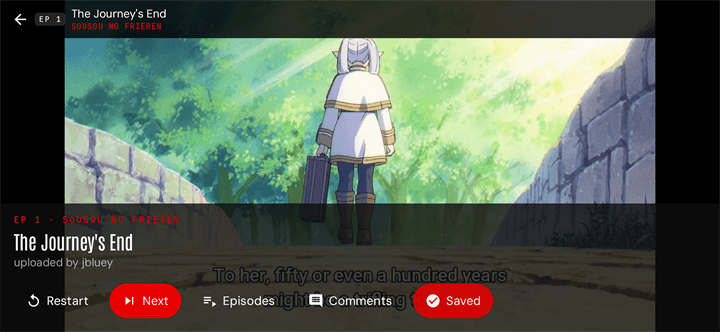
The full Otaku-Streamers library, played by the same engine as the desktop site. Resume across devices and save episodes for offline. The player is landscape-aware and responds the way you'd expect.
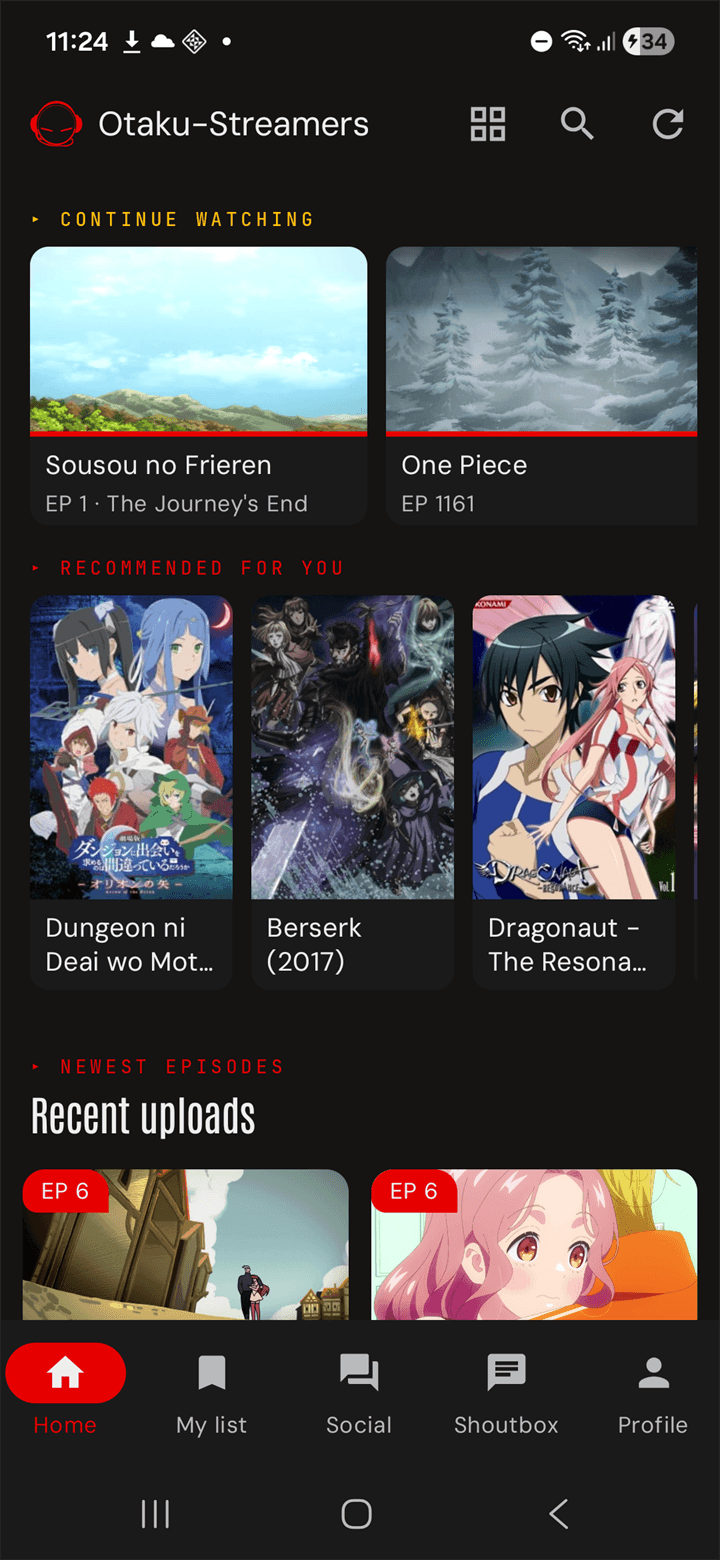
"Continue Watching" sits at the top with progress bars on the cover. Below it, recommendations tuned to your viewing history. Below that, the day's fresh uploads — sorted by which titles you actually follow.
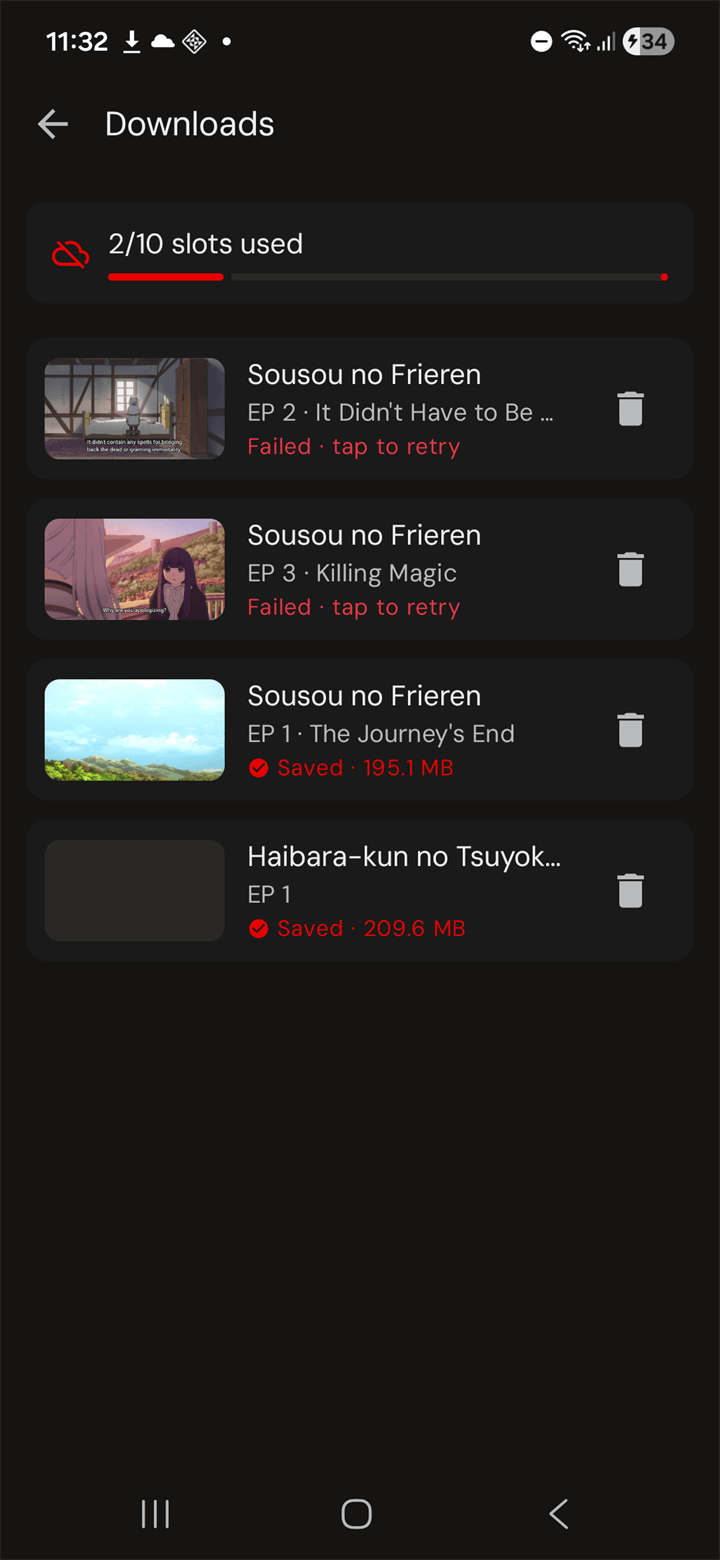
Tap Save on any episode and it lands in Profile → Downloads with the file size next to it. Every account gets ten offline slots. Plays without a network, and the watch progress still syncs to the web the moment you're back online.
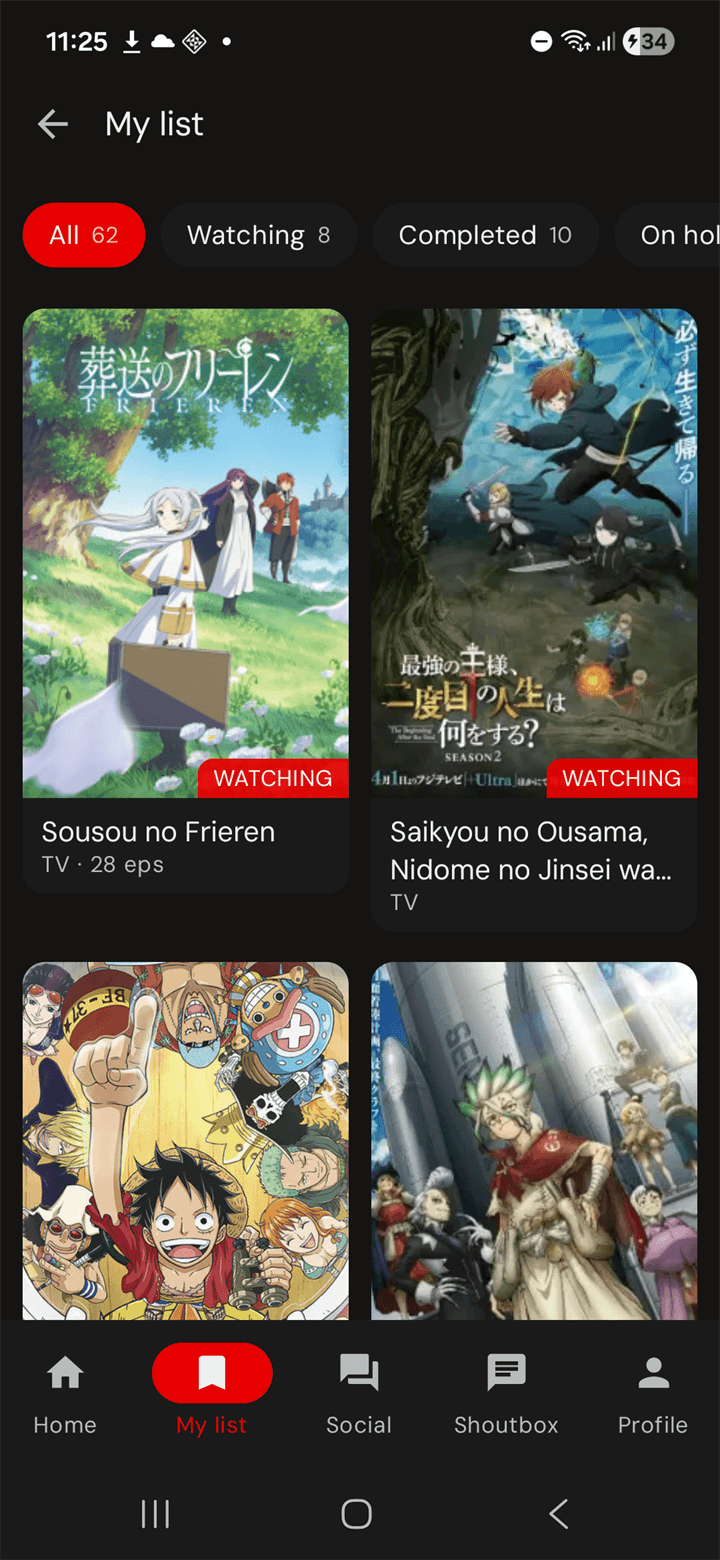
A real watchlist with the chips you'd expect — Plan to watch, Watching, Completed, On hold. A browse hub with every genre, season, and ranking we have. A search that knows people and titles equally.
Plan to watch, Watching, Completed, On hold — each chip shows how many titles fall in that bucket. Tap a card to open the title; long-press to change status.
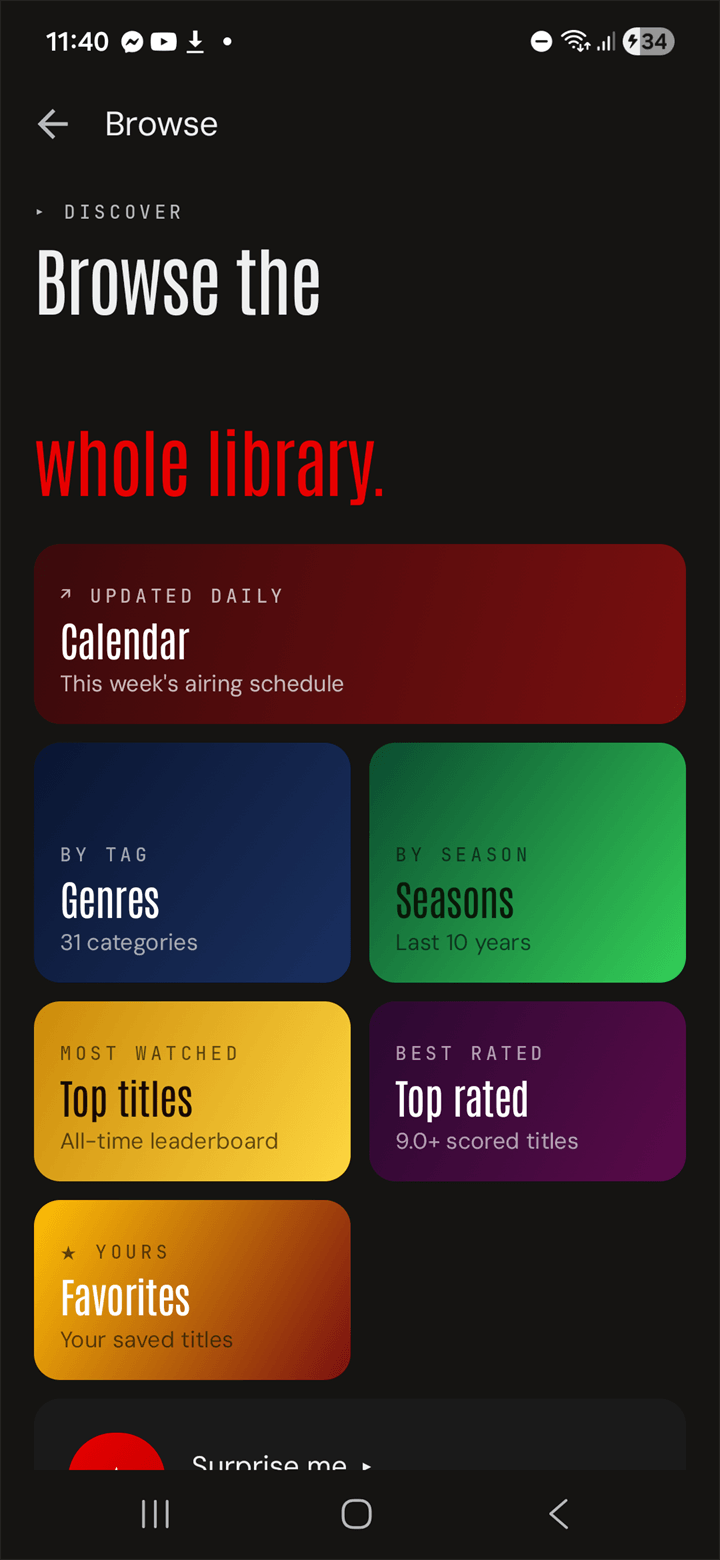
One screen, every entry point — Calendar, Genres, Seasons, Top titles, Top rated, Favorites, and a Surprise me pill for when nothing sounds right. Each tile is a color so you can find the one you want without reading.
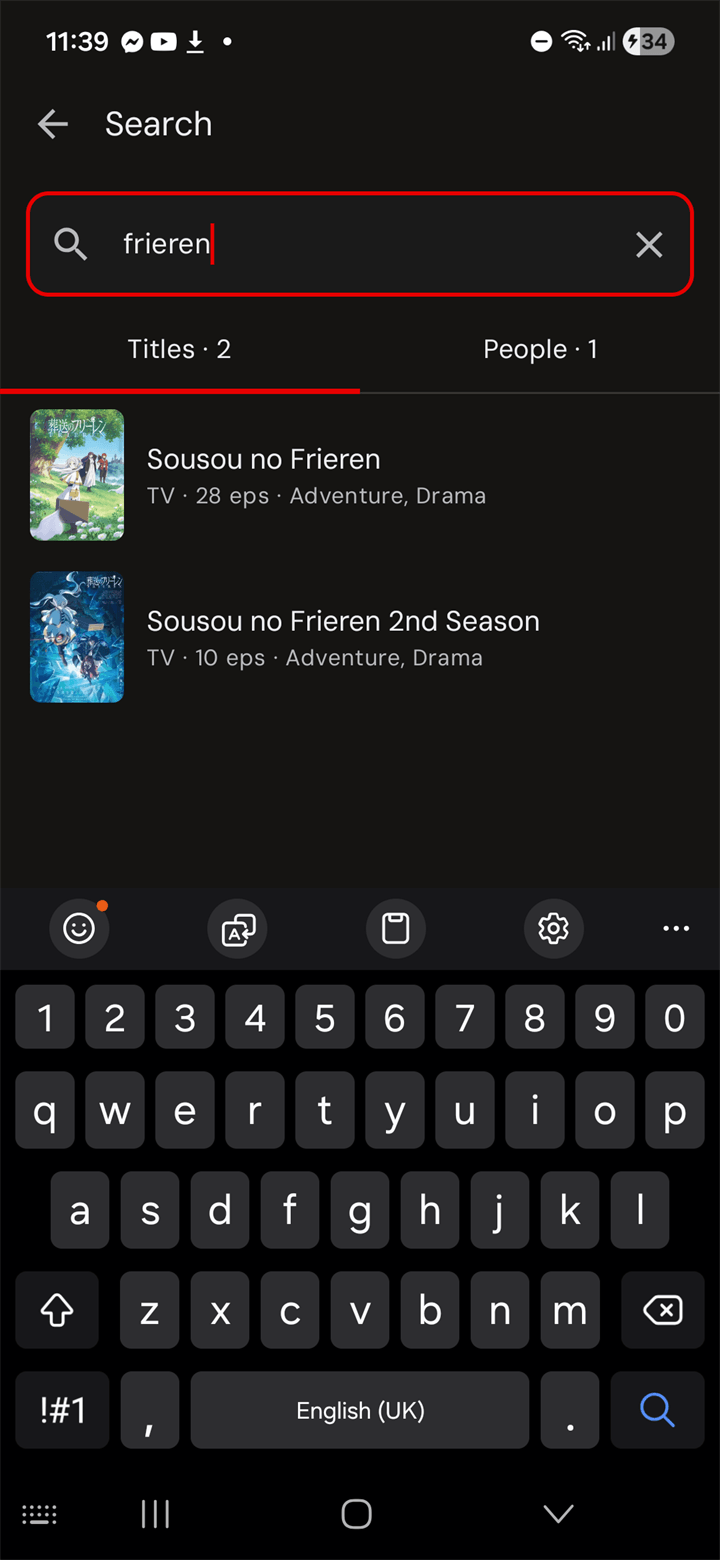
Type two characters, get results in 300 ms. Tabs split between Titles and People — both with counts. Recent queries cache as chips so you don't re-type "naruto" every time.
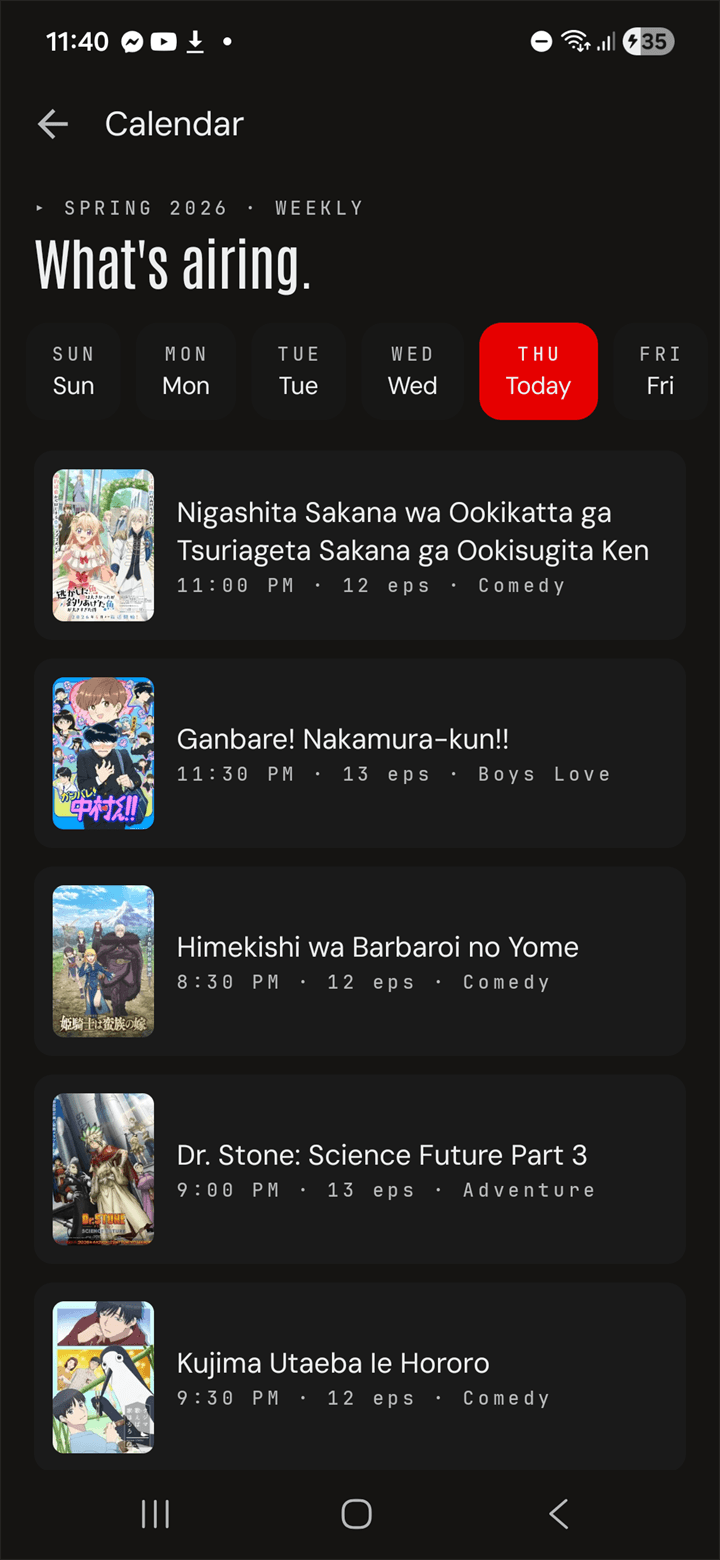
Sun through Sat as pills along the top. Tap a day, see every title airing that night with its time, episode count, and genre. Today is highlighted in red so you never lose your spot.
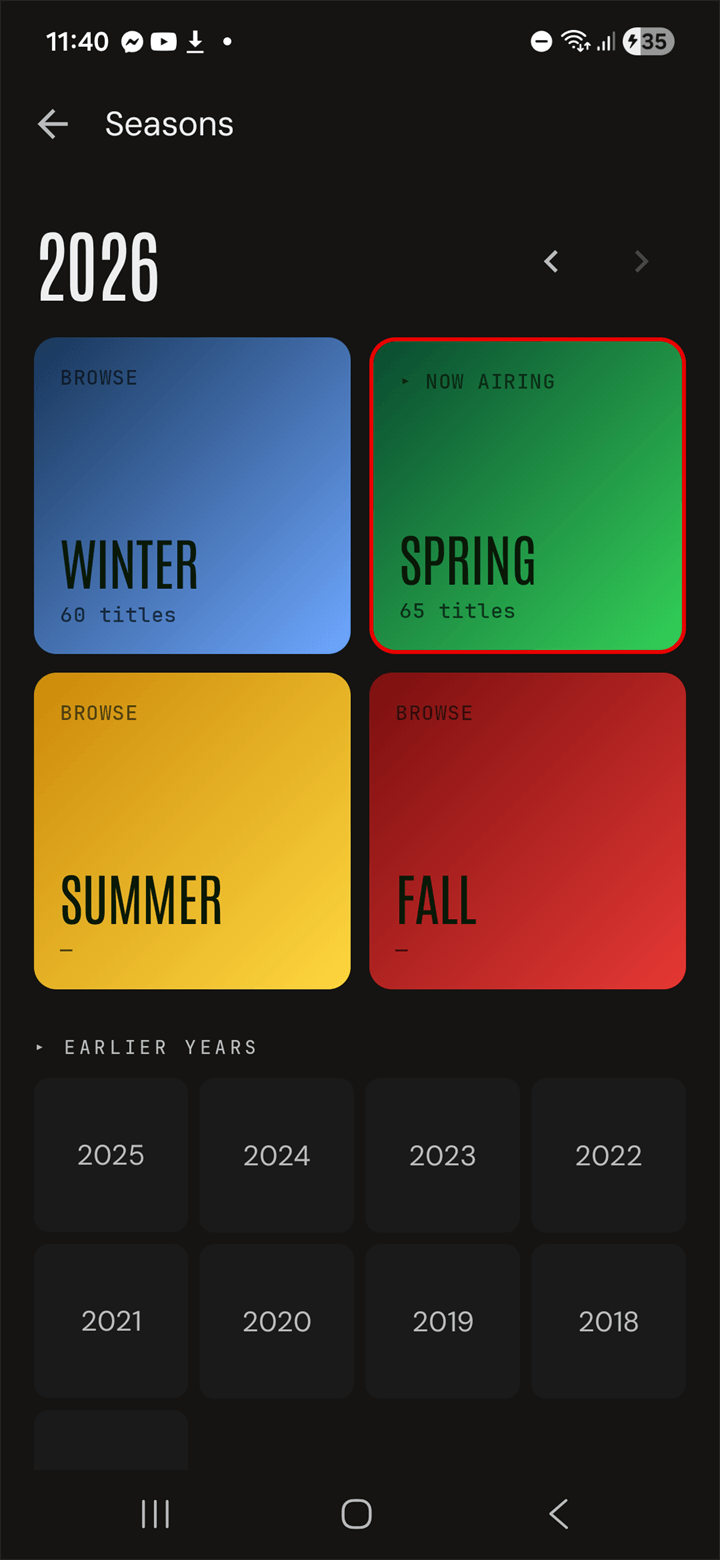
Winter, Spring, Summer, Fall — each a colored tile with a count. The current season is marked Now airing. Step back through 2025, 2024, all the way to 2017 with one tap.
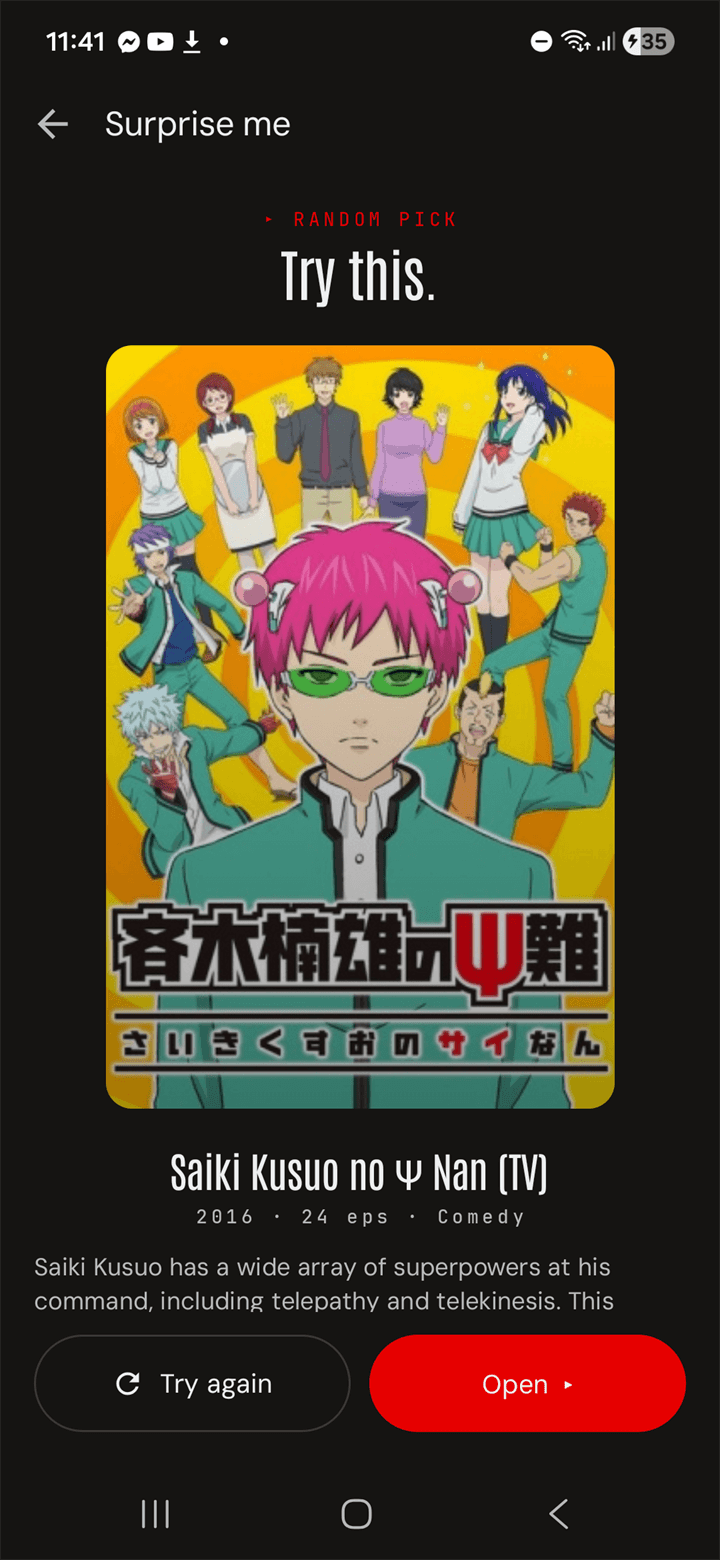
One tap, one full-screen card with the cover, year, episode count, genre, and synopsis. Don't like it? Try again. Like it? Open. The fastest way out of a "what should I watch" loop.
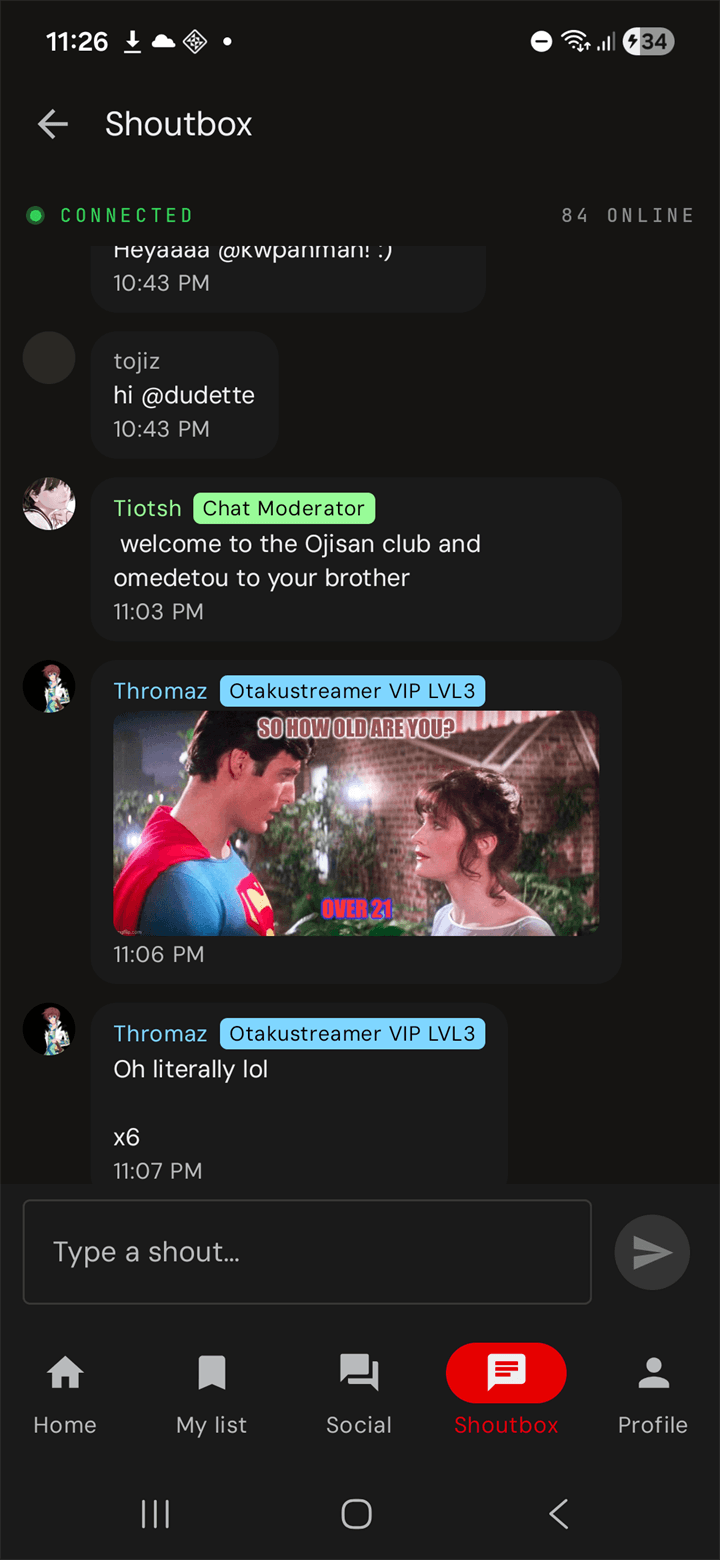
A real-time shoutbox — the room is rarely empty. Send GIFs, paste images, mention friends, react to last night's episode while it's still hot.

The flagship social moment of the app. Pick a title, schedule a time, send the link to your friends — or browse what's live right now and just tap Join. Playback is host-controlled, the chat panel lives underneath, and everyone in the room sees the same frame at the same second.


The Watch parties screen lists every live room at the top with a one-tap Join. Upcoming parties scheduled by friends sit below with their start time. Nothing going on? The big red Host one button bottom-right starts your own — pick a title, an episode, a time, send the link. Synchronised marathons with the friends you already have on the site.
Add friends, message them privately, and get pinged when something happens. Push notifications split into eight channels — Mentions, Replies, DMs, New uploads, Watch parties, Friend requests, Feed activity, Shoutbox — each toggled independently in Settings.
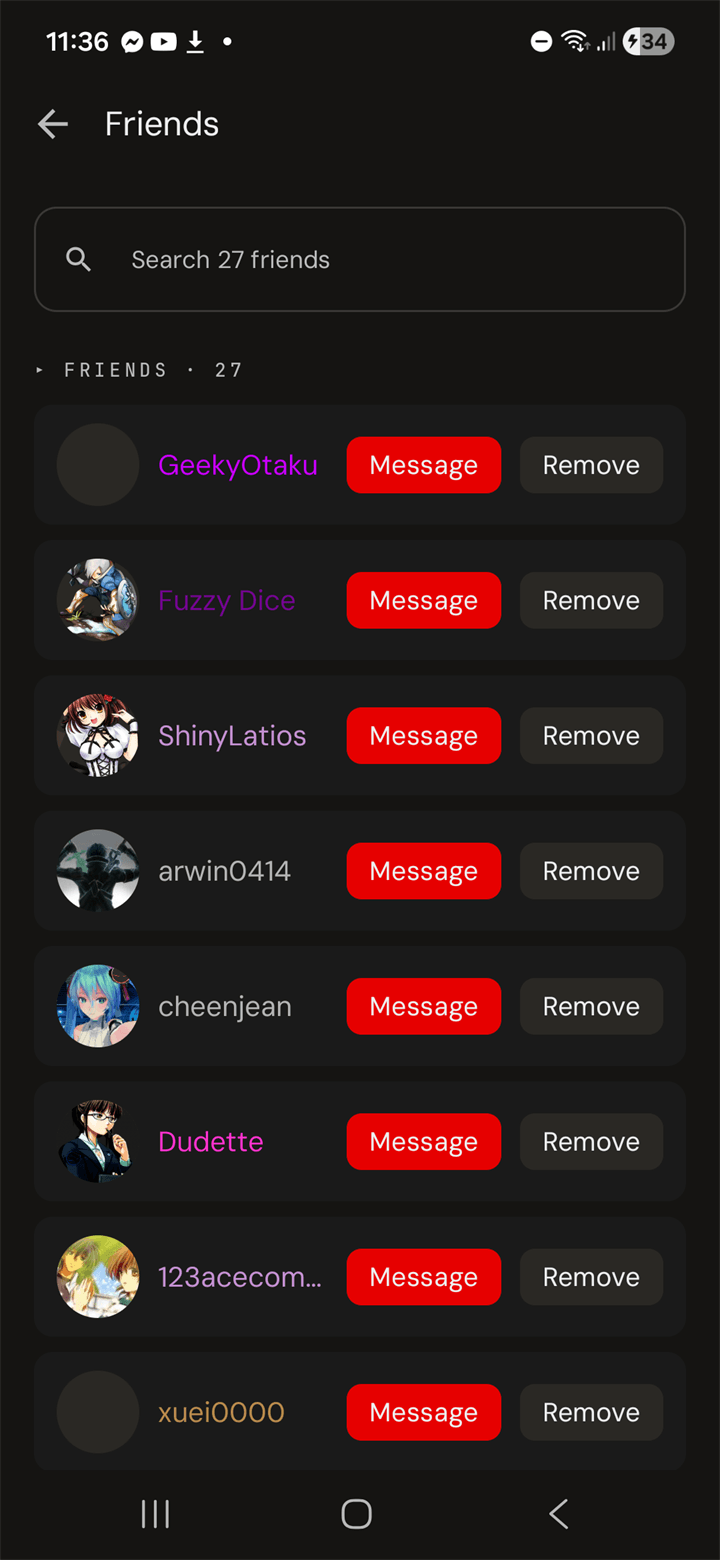
Every friend gets a Message button and a Remove button right on the row. Search the list inline. Pending requests sit at the top with Accept and Decline pills.
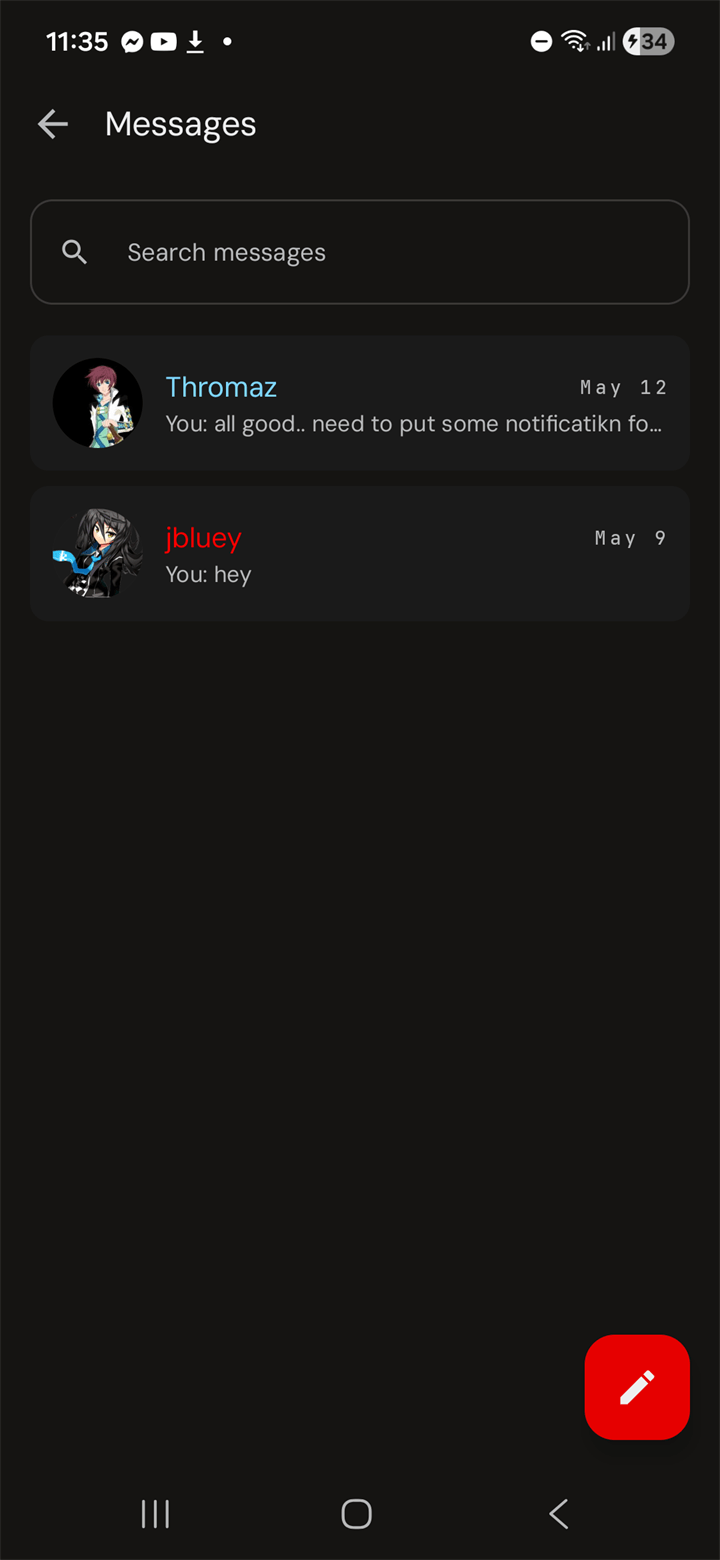
One row per conversation, last message previewed underneath. Search across all of them. Pencil FAB to start a fresh thread with any member you can find.
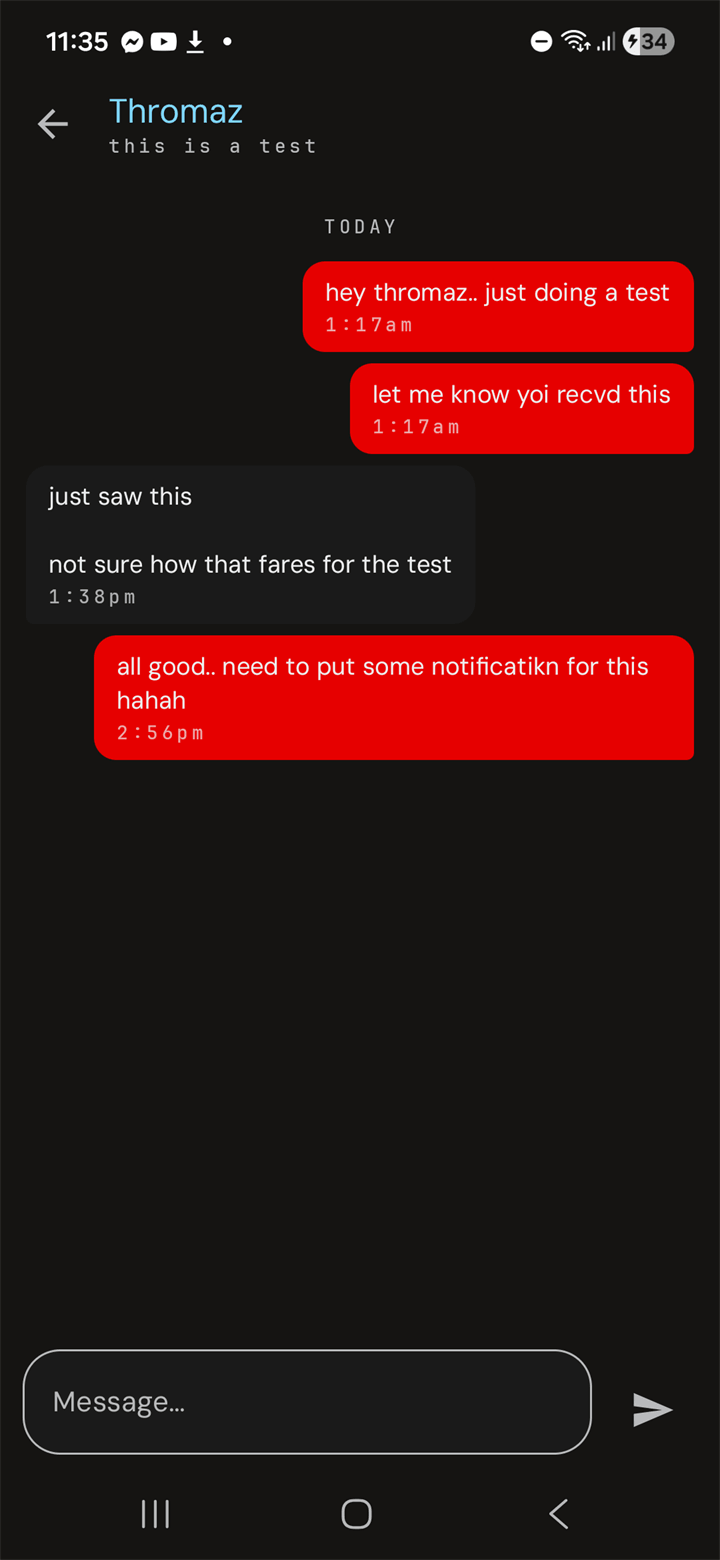
Sent in red, received in gray, day separators between bursts. Tap Message… at the bottom and the keyboard lifts — no full-screen takeover, you still see the thread.
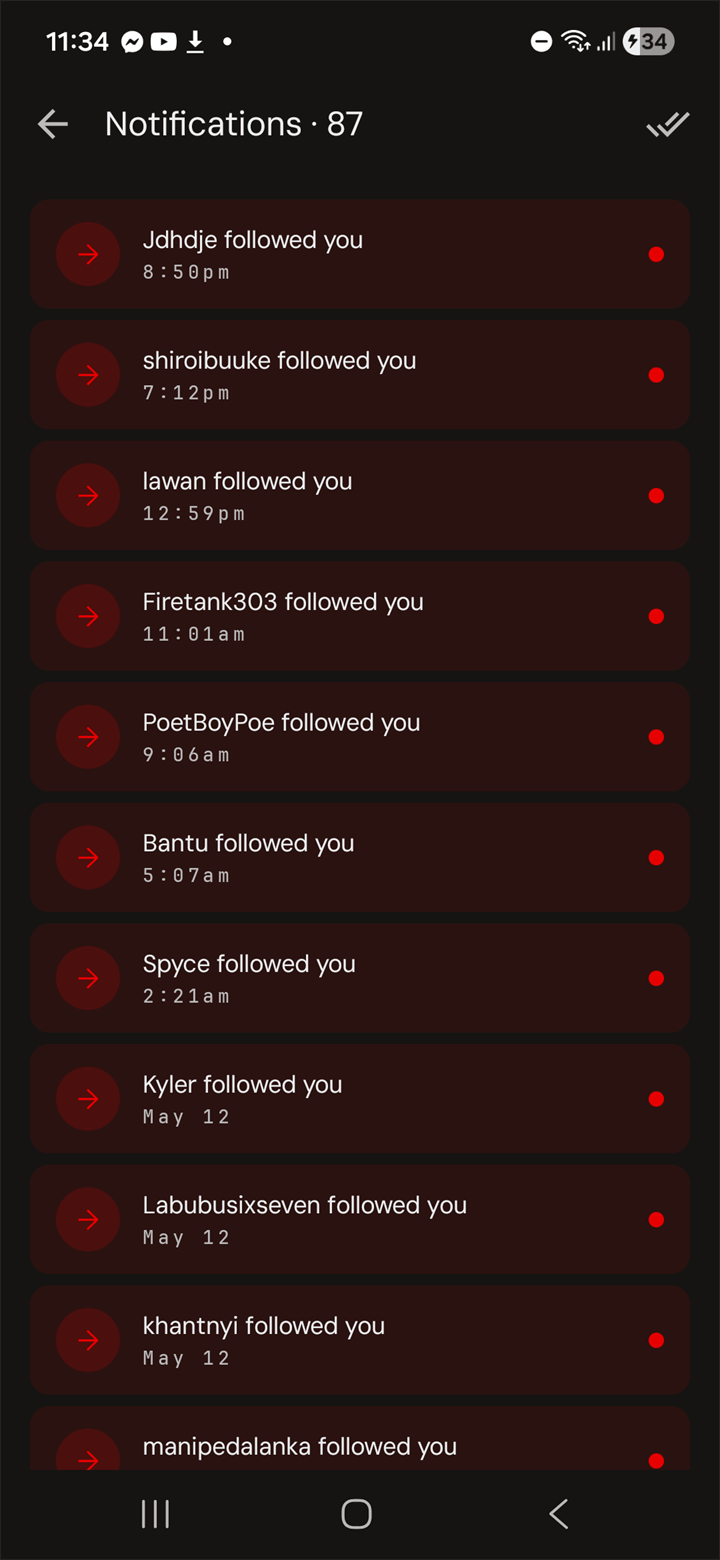
Follows, mentions, replies, friend requests, DMs, new episodes — chronological. Red dot for unread. The double-check in the corner marks the whole inbox read.
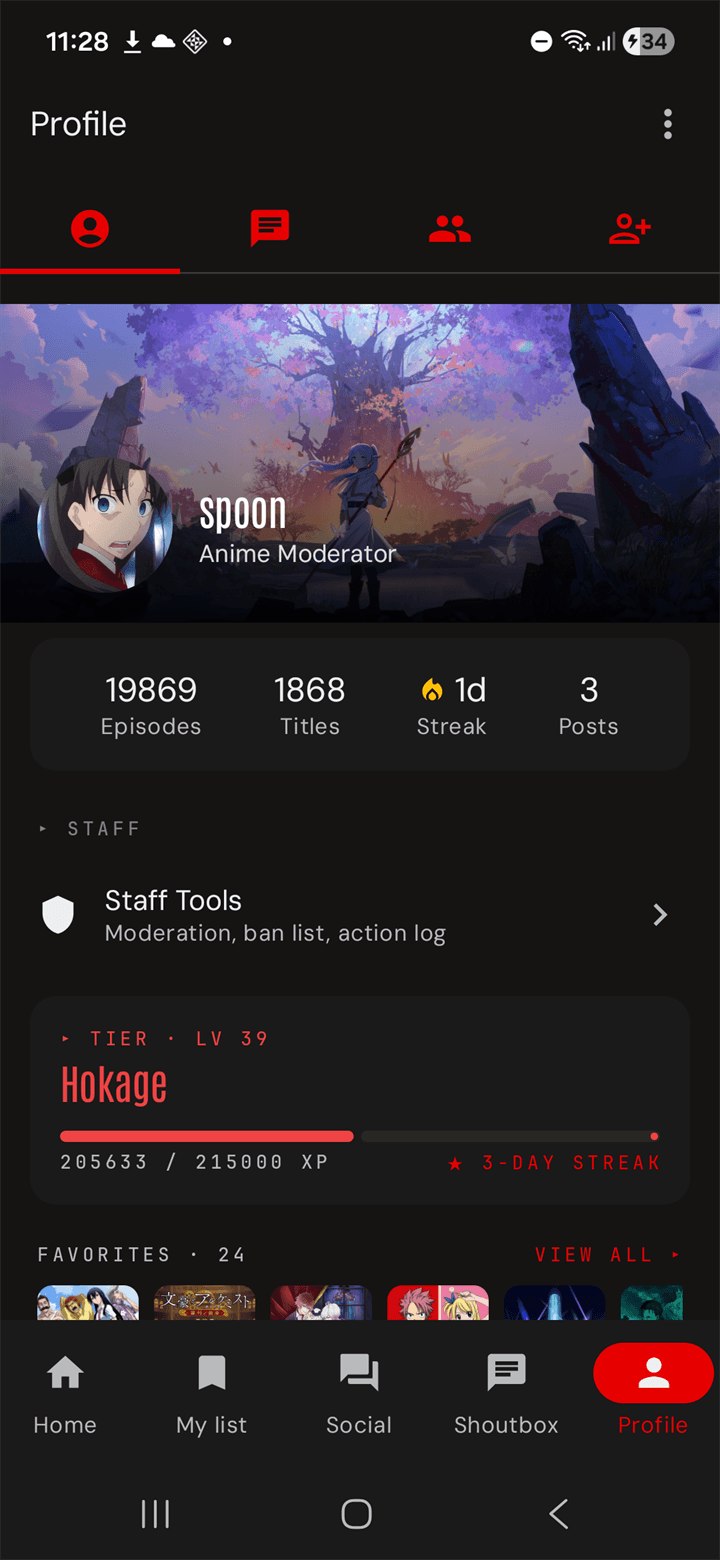
A profile that reflects how long you've been around. Custom cover and avatar, a tier color tied to your level, an XP bar with your next-tier target, a streak counter, a favorites row, and everything else worth bragging about — collapsed into one screen with a kebab to edit it all.
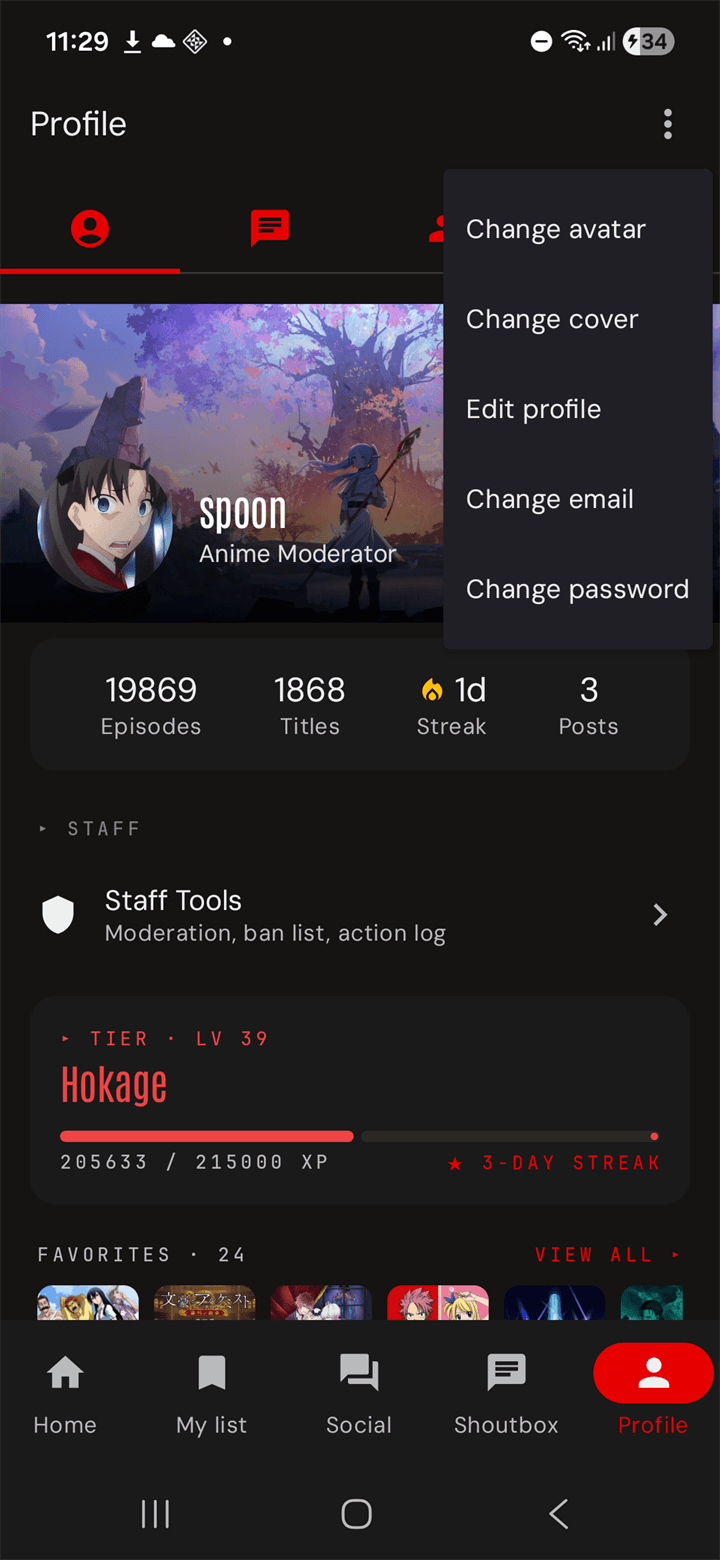
Three-dot top-right opens it: Change avatar, Change cover, Edit profile, Change email, Change password. Each is a sheet, not a full screen — you stay on your profile while you fix it.
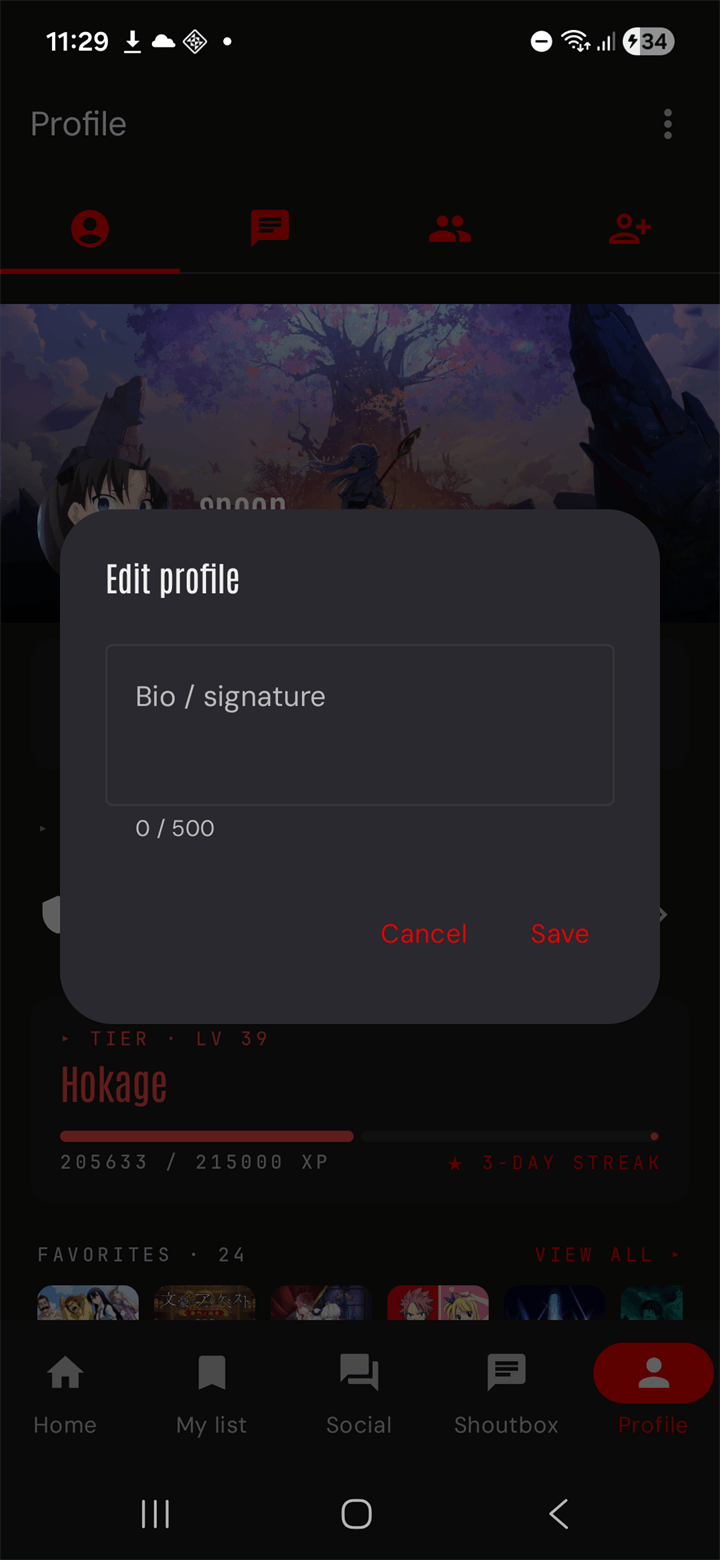
Up to 500 characters with a live counter. Saves to the same field the desktop signature uses, so what you write here appears under every post you make on the web.
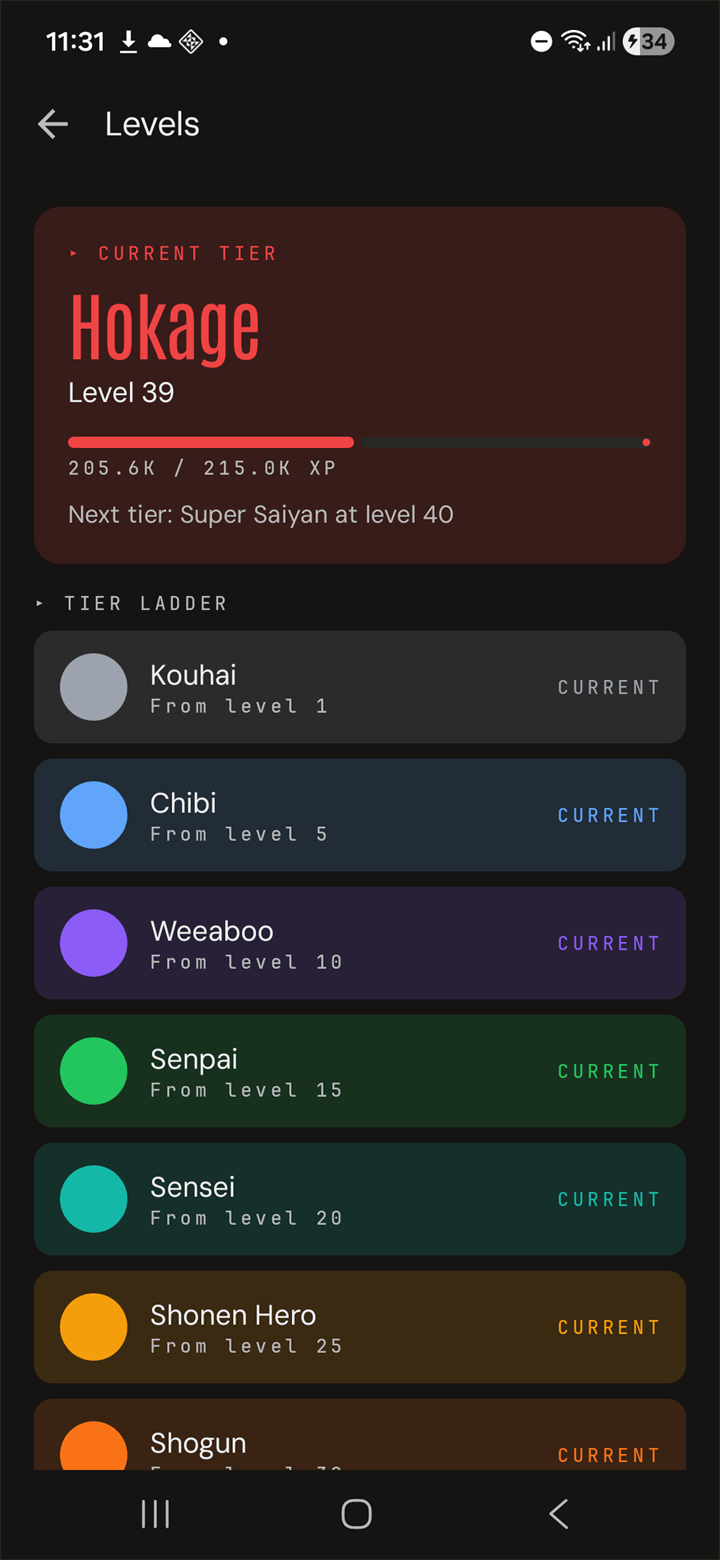
Kouhai, Chibi, Weeaboo, Senpai, Sensei, Shonen Hero, Shogun, Hokage, Super Saiyan — and beyond. Each tier is a color you wear on every post. Your XP bar shows how far to the next one.
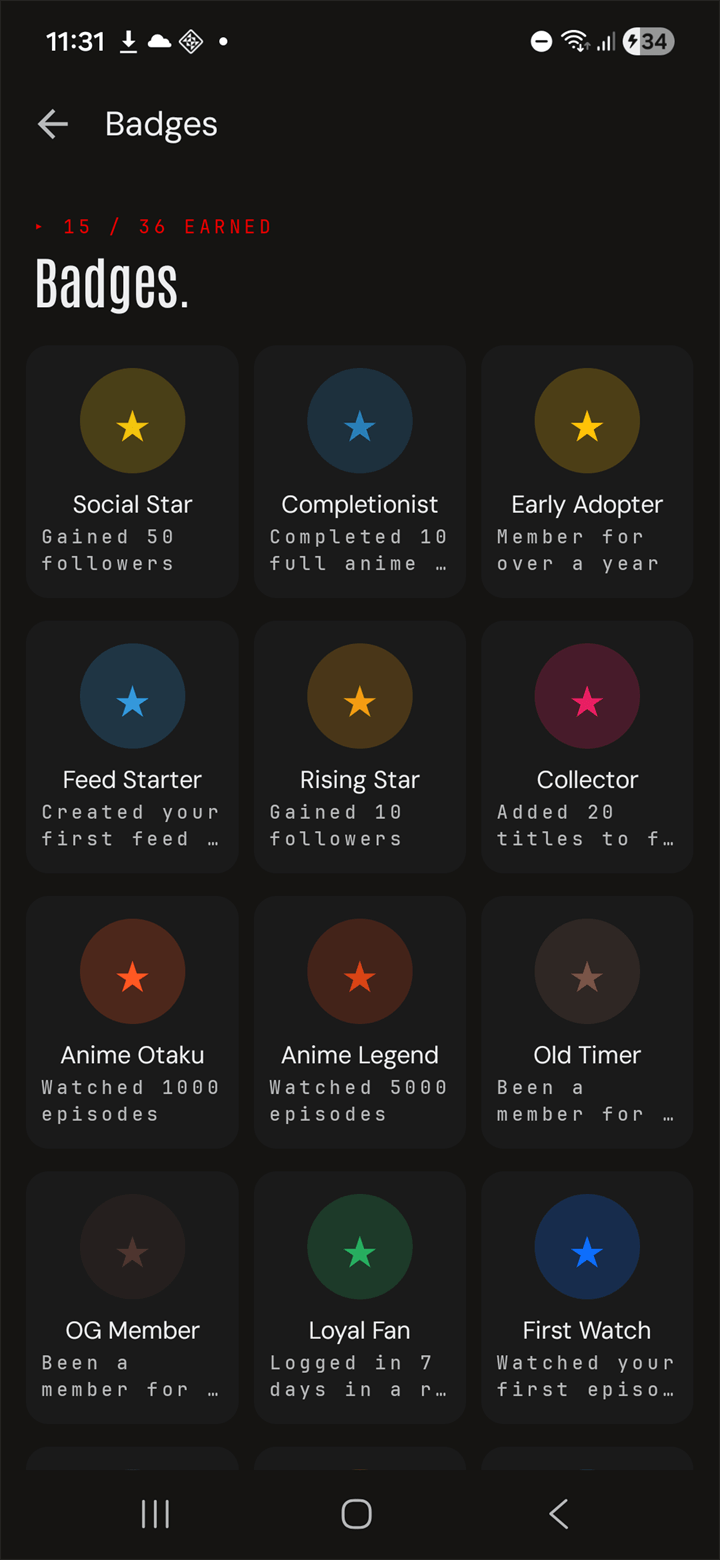
Early Adopter for joining, Anime Otaku for a thousand episodes, Anime Legend for five thousand, Loyal Fan for a week-long streak, Collector for twenty favorites. Earned ones in color, locked ones dimmed.
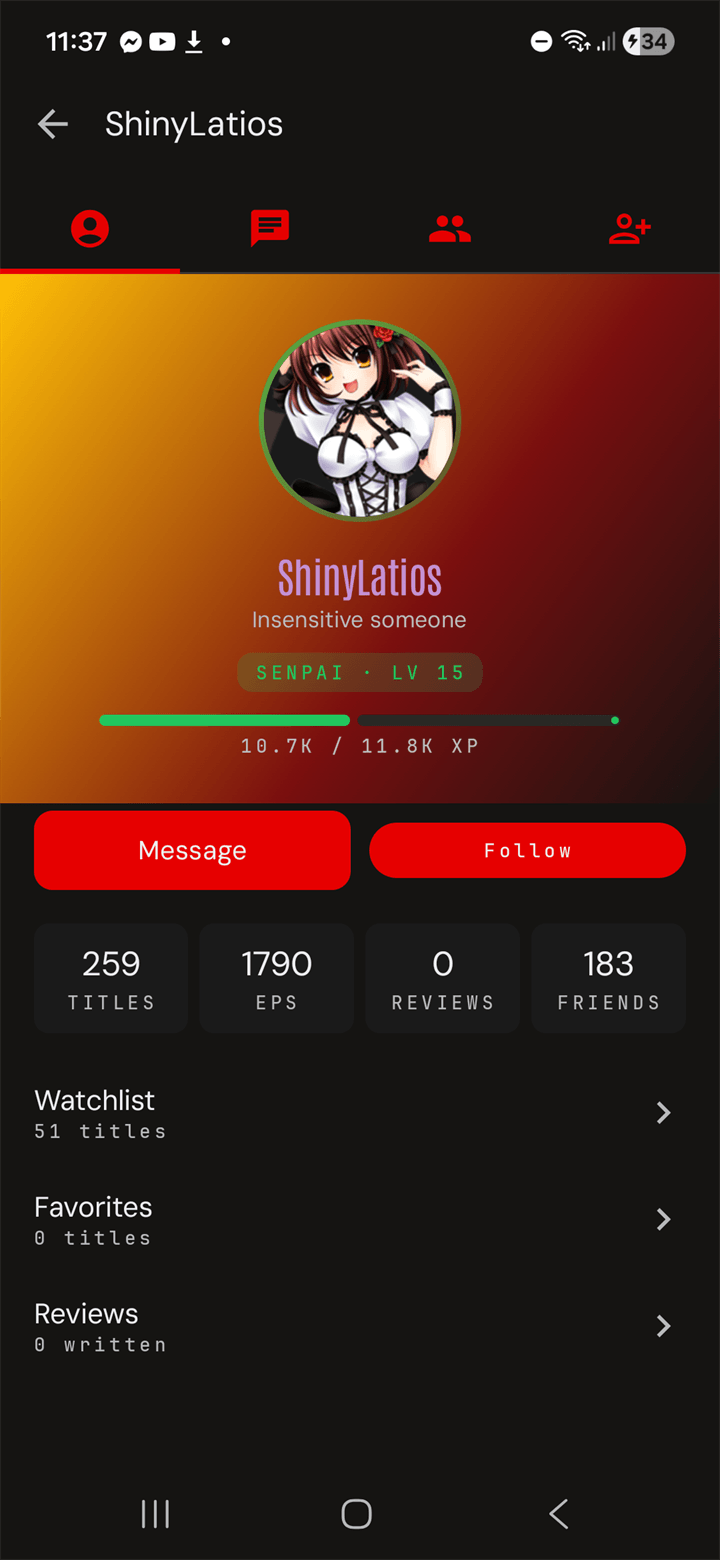
Tap a name anywhere — leaderboard, friend list, comment — and you land on their profile with their tier color, stats, Message / Follow, and tabs for their Watchlist, Favorites, and Reviews.
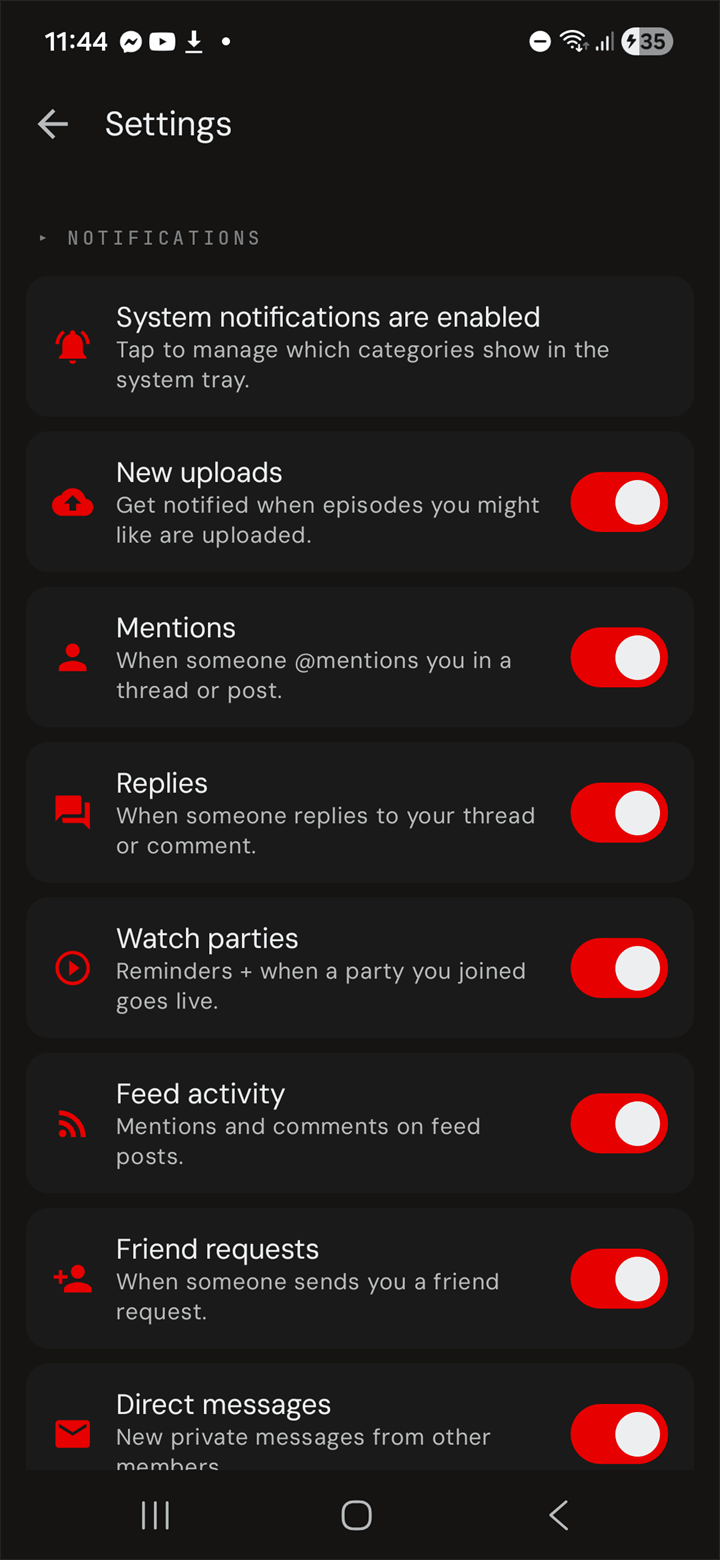
Every push channel is a switch — New uploads, Mentions, Replies, Watch parties, Feed activity, Friend requests, Direct messages, Shoutbox. Tutorials can be replayed. The image cache shows how many megabytes it's holding and clears with one tap.
All-time leaderboards and monthly challenges with real XP rewards. Nothing is gated — every member starts at zero and climbs from there.
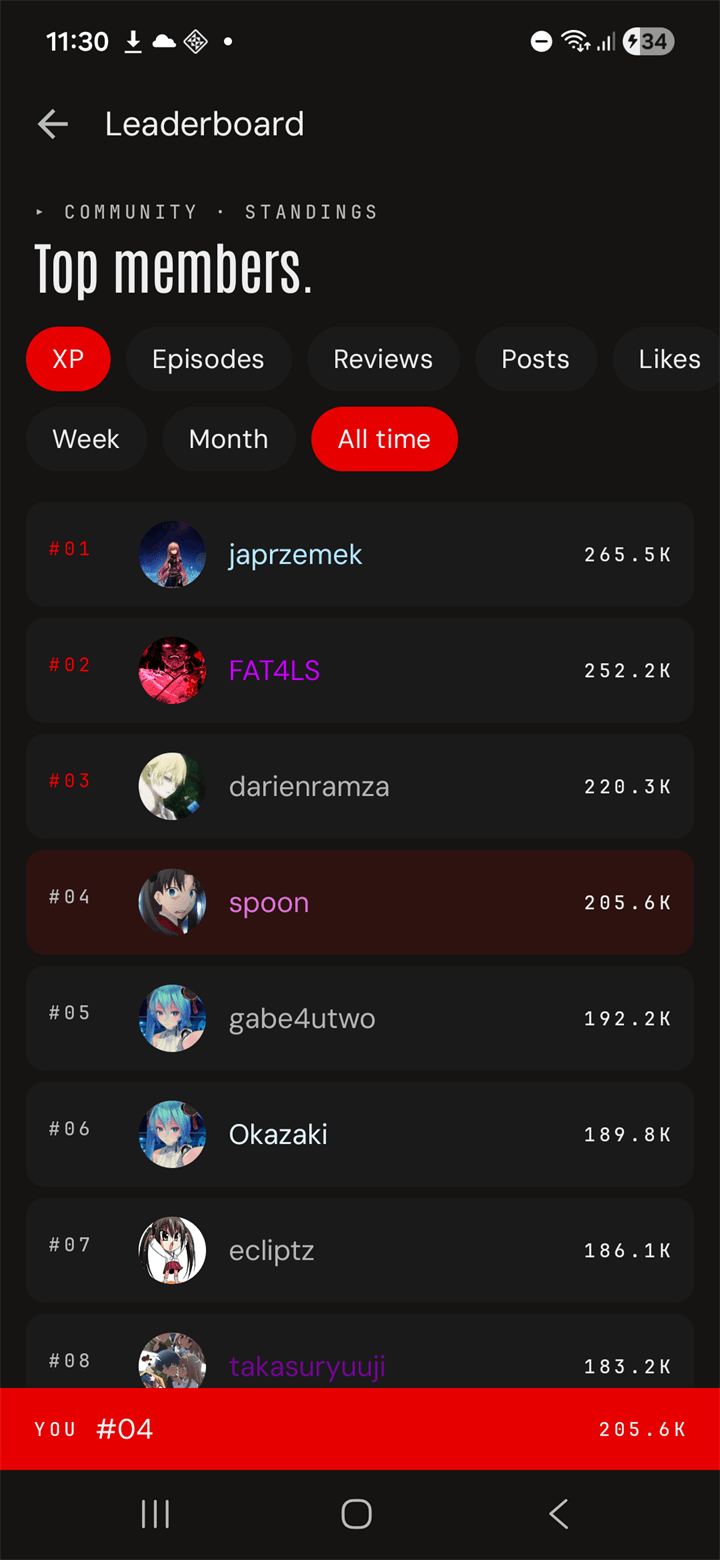
Filter by XP, Episodes, Reviews, Posts, Likes. Period chips for Week, Month, All time. A sticky footer at the bottom always shows your own rank, no matter how far you scroll.
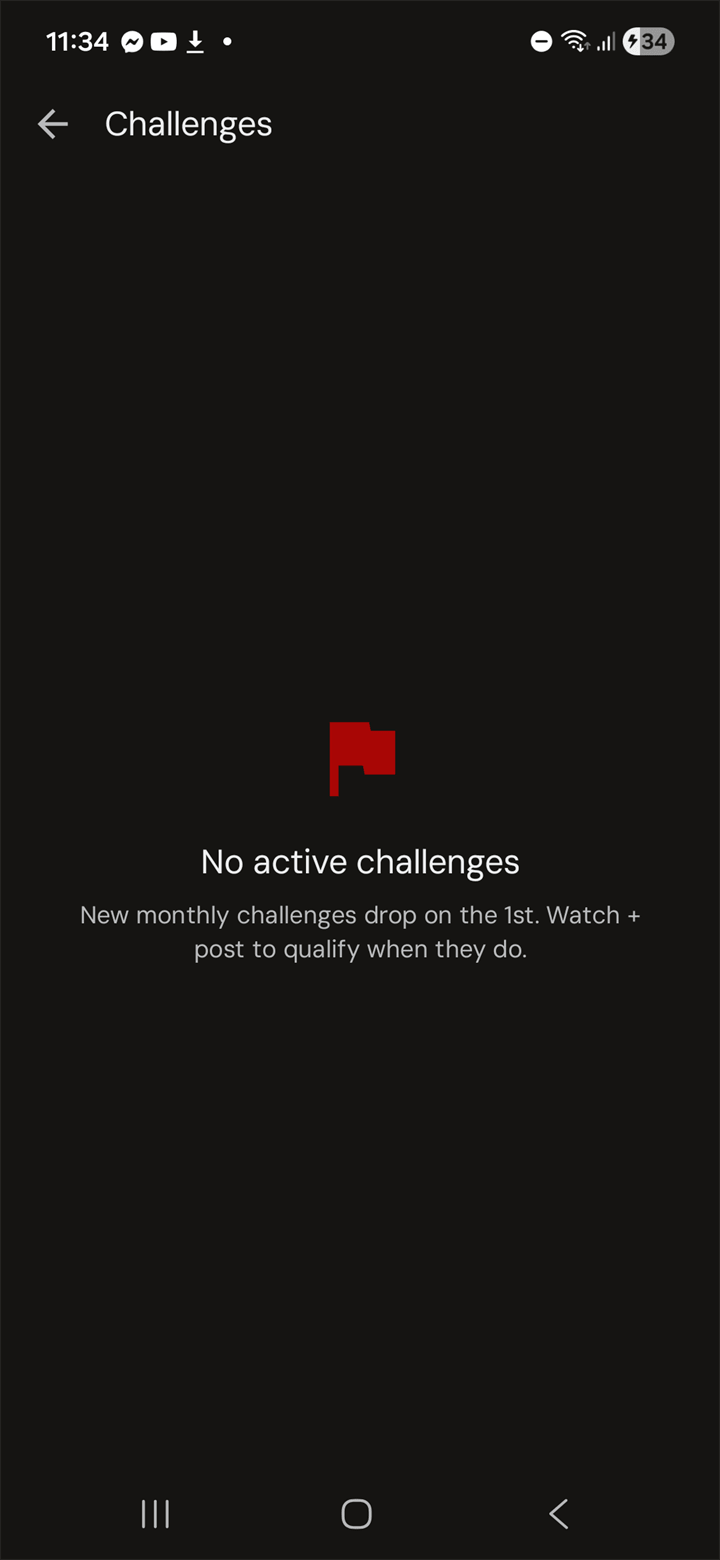
New challenges drop on the 1st of every month. Watch and post to qualify; progress bars update live. Finish the month, the XP lands in your bank and your tier moves.
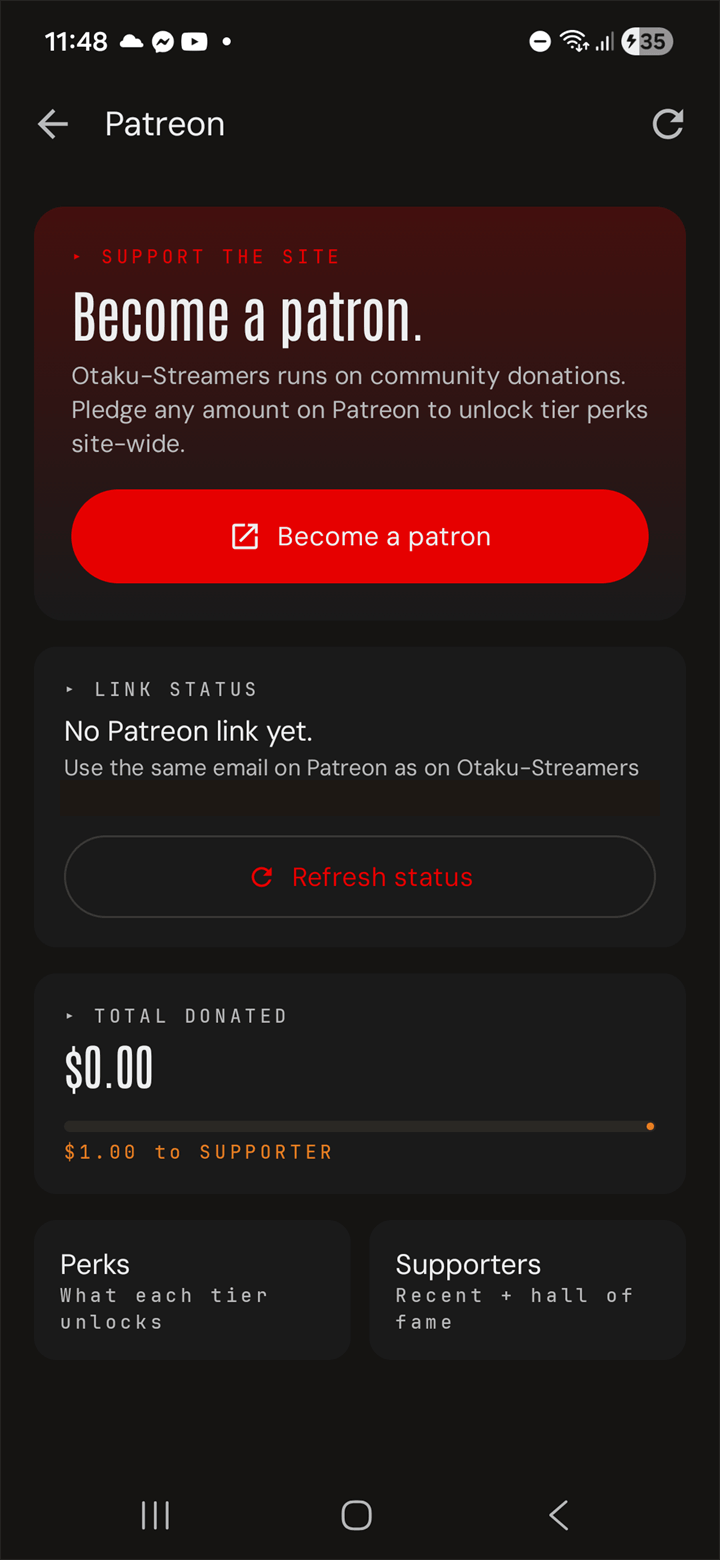
We don't take VC money. We don't run ads. Members have funded the site since 2008 — PayPal in the early years, Patreon since 2020 (we switched after one too many PayPal disputes). Pledge any amount and the perks unlock site-wide — custom username color, donor badge on every comment, VIP role pill in the shoutbox.
When the app launches, sideloading will take about ninety seconds. Auto-update is built in — when a new version ships, the app prompts you on next launch.
The Download button on this page will save the app to your Downloads folder. Browsers may flag the file type — that's normal for sideloads.
Open the APK from Downloads. Android asks once: "Allow this source to install apps?" Tap Allow. Permission is per-source — your browser only.
Open the app. Sign in with your Otaku-Streamers username (or make one in 30 seconds). Your watchlist, friends, posts, and XP are already there — the site never forgot.
Take the whole site with you — stream every episode, queue downloads for offline, and keep your XP & streaks in sync.
.apk install; your phone may warn about “unknown sources,” which is expected for apps outside the Play Store.
Four flavors of conversation.
One Social tab, four sub-tabs. Feed for posts. Activity for what your friends are watching. News for site announcements and anime industry headlines. Discussions for long-form threads.
Posts & replies.
System message with today's uploads, then user posts. Like, comment, attach images, @-mention. Same composer as the website.
What's happening.
Auto-stream of who's watching what, who favorited, who posted. Your circle's anime night, in real time.
Site & industry.
OS staff updates and curated anime news. Tap an article for the full body, comment count, author.
Long-form threads.
The forum, basically. New thread FAB at the bottom-right. @-mentions, replies, rich text — same as the desktop forum.
Open a thread, jump in.
Each thread opens to the full body, the post count, the date, and every reply in order. Role-pilled author names so you know if it's a mod weighing in or a fresh registered user. Write a reply… sits at the bottom; tap it to type without losing your place.